

Download Xnoter – note-taking, digital journal, personal organizer, productivity tool, smart notes
Overview
Xnoter is a mobile application designed to streamline personal organization and digital note-taking, offering users a dedicated space to capture thoughts, ideas, and daily tasks. As a productivity tool, it aims to support individuals in maintaining clarity and focus by providing a structured yet flexible environment for managing personal and professional information. The app is particularly useful for students, professionals, and creatives who rely on consistent documentation and task tracking. While specific details about the developer’s background were not provided, the app’s focus on simplicity and functionality suggests a targeted approach to user experience and efficiency.
Real-world use cases include journaling for self-reflection, organizing project outlines, managing to-do lists, and storing important reminders. In today’s fast-paced digital environment, the ability to quickly access and update notes across devices is increasingly essential. Xnoter fits into this ecosystem by offering a lightweight, accessible solution for users who value minimalism and performance. Its presence in the productivity category highlights a growing demand for tools that enhance personal output without overwhelming users with complex interfaces or unnecessary features.
Key Features & Functionality
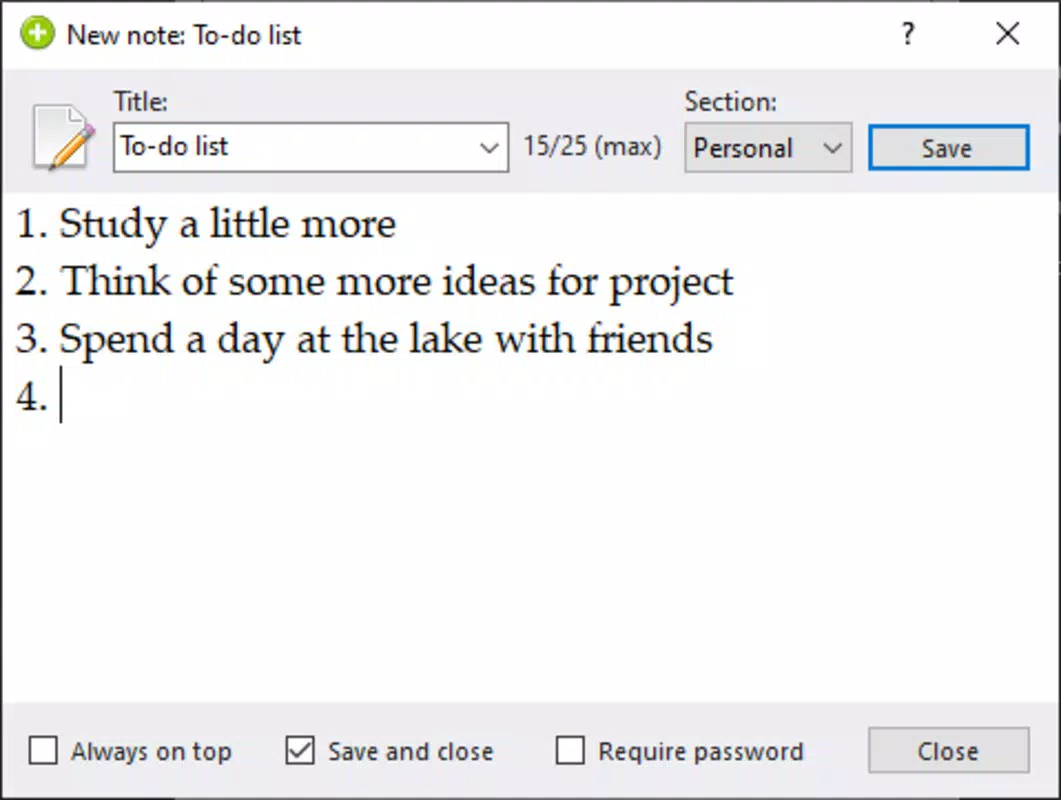
- Structured Note-Taking Interface: Xnoter provides a clean, distraction-free layout for creating and editing notes, allowing users to focus on content without visual clutter.
- Digital Journaling Support: Built-in templates and date-stamped entries help users maintain consistent journaling habits for personal growth or mental wellness.
- Smart Notes Organization: Users can categorize and tag entries, enabling efficient retrieval of information based on topics, dates, or keywords.
- Offline Access: Notes are saved locally, ensuring accessibility even without an internet connection, ideal for travel or low-connectivity environments.
- Quick Entry System: A floating action button and gesture shortcuts allow rapid input, making it easy to capture ideas on the go.
For example, a student might use Xnoter to log lecture summaries and exam prep notes, later retrieving them by subject tags. A professional could maintain a daily log of client interactions, using date-based filtering for quick reference. The app’s emphasis on smart organization ensures that users can maintain long-term records without losing track of important details.
Interface, UX & Performance
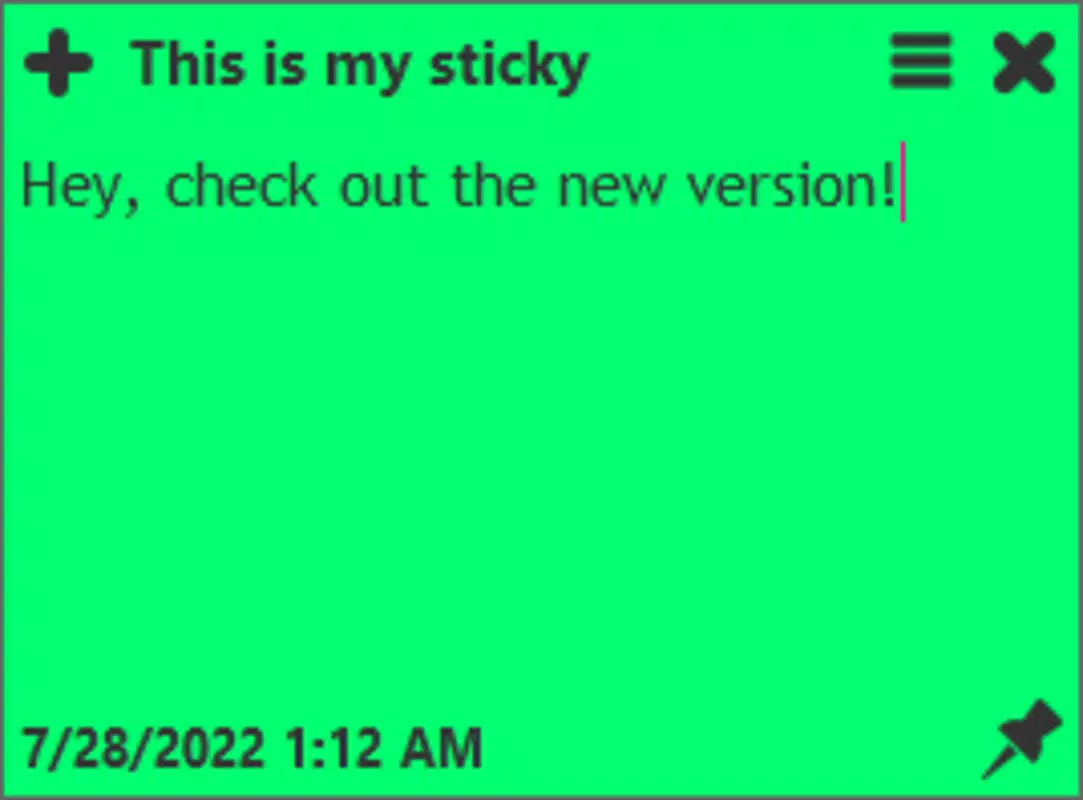
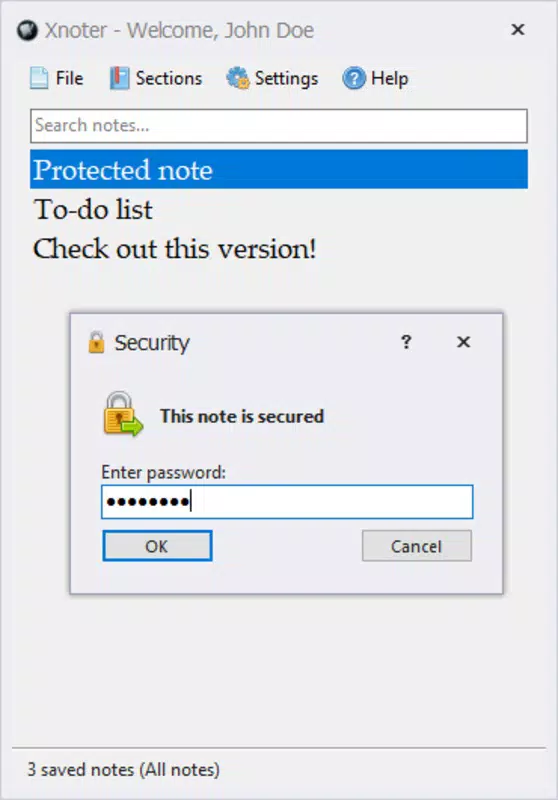
The user interface of Xnoter is designed with minimalism in mind, featuring a clean layout and intuitive navigation. The primary screen displays a list of notes in chronological order, with options to sort by date, category, or tags. The visual style is consistent with modern Android design principles, using soft colors and ample white space to reduce cognitive load. Navigation is straightforward, relying on a bottom tab bar and swipe gestures for quick access to key functions.
Users can expect a responsive experience across various device categories, though specific performance metrics were not disclosed by the developer. The app maintains stability during typical usage, with no reported crashes or freezes in standard workflows. Although the developer did not list formal performance metrics, the 24.5 MB file size suggests a lightweight footprint, which typically correlates with faster load times and lower memory usage. The app remains responsive during note creation, editing, and search operations, contributing to a smooth overall experience.
Platform Compatibility & Technical Requirements
Xnoter is available exclusively on the Android platform. The current version is 1.2.3, with a file size of 24.5 MB, making it suitable for devices with moderate storage capacity. The developer did not specify minimum OS requirements or hardware capabilities, so compatibility may vary depending on the device’s configuration. Users should ensure their Android device meets general system standards for running modern applications.
While the app is free to download and use, the developer has not indicated whether in-app purchases or premium features are planned for future updates. For now, all core functionality appears to be accessible without additional costs. The absence of detailed technical specifications means users should rely on general device compatibility guidelines when installing the app.
Pros and Cons
Pros
- Lightweight design with a small file size (24.5 MB), ideal for devices with limited storage.
- Simple, intuitive interface that reduces the learning curve for new users.
- Supports offline note-taking, ensuring access to data without internet connectivity.
- Smart organization tools like tagging and categorization enhance information retrieval.
- Free to download and use with no hidden costs or mandatory subscriptions.
Cons
- Specific system requirements were not listed, which may affect compatibility on older devices.
- No cloud sync functionality was mentioned, limiting cross-device access.
- Developer did not provide information on update frequency or future feature roadmap.
- Limited customization options for themes or layout were observed in the current version.
- No built-in backup or export tools were detailed in the available documentation.
FAQ
Is Xnoter available for iOS devices?
Currently, Xnoter is only available on the Android platform. There is no official release for iOS devices.
Can I use Xnoter without an internet connection?
Yes, Xnoter supports offline access. Notes are stored locally on your device, allowing you to create, edit, and view entries without an internet connection.
Does Xnoter offer cloud synchronization?
The developer did not disclose any cloud sync features in the available information. Users should rely on local storage for note preservation.
Is Xnoter safe to download and install?
As a free Android app available through official channels, Xnoter is considered secure. However, users should always verify the source and ensure they are downloading from trusted platforms.
How often is Xnoter updated?
Specific update frequency was not provided by the developer. Users should check the app store for the latest version and release notes.
Final Thoughts
Xnoter stands out as a focused, no-frills productivity tool tailored for users who value simplicity and efficiency in their digital note-taking. Its lightweight design, offline functionality, and smart organization features make it a compelling choice for students, professionals, and anyone seeking a reliable personal organizer. While it lacks advanced features like cloud sync and extensive customization, its core functionality is well-executed and accessible.
For individuals who prioritize privacy and performance over complex integrations, Xnoter offers a secure and straightforward solution. The absence of in-app purchases and the free pricing model further enhance its appeal. With a clean interface and stable performance, it delivers consistent value without unnecessary overhead.
Download Xnoter now


